







Plenty of companies have already tried AI. Licences were bought, a pilot was built, a demo went well. Then the daily work carried on exactly as before.
When that happens, the model is rarely the problem. The problem is usually in the implementation: the AI sat next to the work instead of inside it, nobody decided what happens when it gets something wrong, or the pilot never had a path into production.
This guide explains how to implement AI in business one use case at a time, from the chosen workflow to a system people use every day. If you haven’t chosen the workflow yet, start with our AI adoption roadmap, which covers how to pick it.
Key takeaways
- Implementing AI in business means getting one use case into a real workflow, connected to the systems the team already uses, with a named owner and results measured against a baseline.
- When AI projects stall, the cause is usually the implementation, not the model: the AI sits next to the work instead of inside it, or the pilot has no path into production.
- The AI implementation steps are: choose the implementation path, map the workflow, design the AI integration and human review points, test with a proof of concept, run a pilot in daily operations, and move from pilot to production.
- There are five implementation paths: an existing tool, a connection to the systems you already run, workflow automation, custom software, or a mix. Sometimes the problem doesn’t need AI at all.
- A proof of concept is a simplified version of the working system. Each one is scoped and agreed with the client individually.
- A pilot only becomes the default way of working when there is a plan to switch off the old process.
- In production, the system needs monitoring, failure handling, change control and a named owner.
- Neurony is an AI integration and AI-powered custom software development company: it shows companies where AI creates value and then builds it into their operations.
- At Meesenburg, the automated order process started as a pilot and moved into production. In the Meesenburg implementation, 98% of processed orders required no manual modification.
What it means to implement AI in a business
An AI solution is implemented when four things are true:
- It runs inside a real workflow, at the point where the work happens.
- It reads from and writes to the systems the team already uses, such as the ERP, the CRM or the shared inbox.
- A named person owns it after launch.
- Its results are measured against a baseline taken before it started.
If any of these is missing, you have an experiment. Experiments are useful, but they are a different thing, and treating one as the other is how pilots stall.
Step 1: Choose the implementation path, not just the use case
Once you know which workflow to improve, the next question is how. There are usually five options:
- Use an existing tool as it is. If an off-the-shelf product fits the workflow without changes, this is the fastest and cheapest route. It suits individual productivity work more often than core operations.
- Connect AI to the systems you already run. The AI reads incoming emails, documents or records and writes its output into the system of record. This is where most operational value sits.
- Automate a multi-step workflow. AI handles the steps that need interpretation, and conventional automation handles the routing, approvals and updates around them.
- Build custom software around the process. When the workflow is specific to your business, a custom-built application with AI inside it can fit better than any product.
- Combine them. Many real implementations are a mix: an existing model, connected to two systems, with a small custom interface for the people who review the output.
Sometimes the honest answer is that the problem doesn’t need AI at all. A rule-based automation or a fix to the process itself can be cheaper and more reliable. It is worth asking that question before committing to a build.
Step 2: Map the workflow as it actually runs
Process documentation describes how work should happen. Implementation has to deal with how it does happen. Before designing anything, map:
- Where inputs arrive. Email, PDF attachments, a web form, WhatsApp, a supplier portal. Each channel behaves differently.
- Which systems are read and which are written. Reading from a system is simpler than writing into it, and every write needs rules.
- Who touches the work, and when. Including the person who fixes things when the standard process breaks.
- The exceptions. The orders with a missing product code, the invoice in the wrong currency, the customer who always sends a photo instead of a document.
The Meesenburg order-flow work started here. Orders arrived by email and as documents, and people read them and typed them into the ERP by hand. Mapping that flow, including the messy cases, set what the system had to handle before any model was chosen.
Step 3: Design the AI integration and the human review points
This is the step that separates an AI system from an AI tool. Decide, before building:
Where the output lands. If the result appears in a separate window that someone has to copy from, adoption will be slow and errors will creep in. The output should land in the system where the next step happens.
What the system is allowed to do on its own. Some actions are safe to automate fully. Others should always wait for a person to approve. Write that rule down, per action.
What happens with uncertain cases. Every AI system meets inputs it can’t handle with confidence. Those cases need a defined route to a person, with enough context to resolve them quickly.
Access and data handling. Which data the system can see, which credentials it uses, and where it runs and processes data. Agree this before the build starts.
If your core systems are older or heavily customised, this step takes more care, because the ERP or CRM may not have been built with integration in mind.
Step 4: Test the approach before you scale
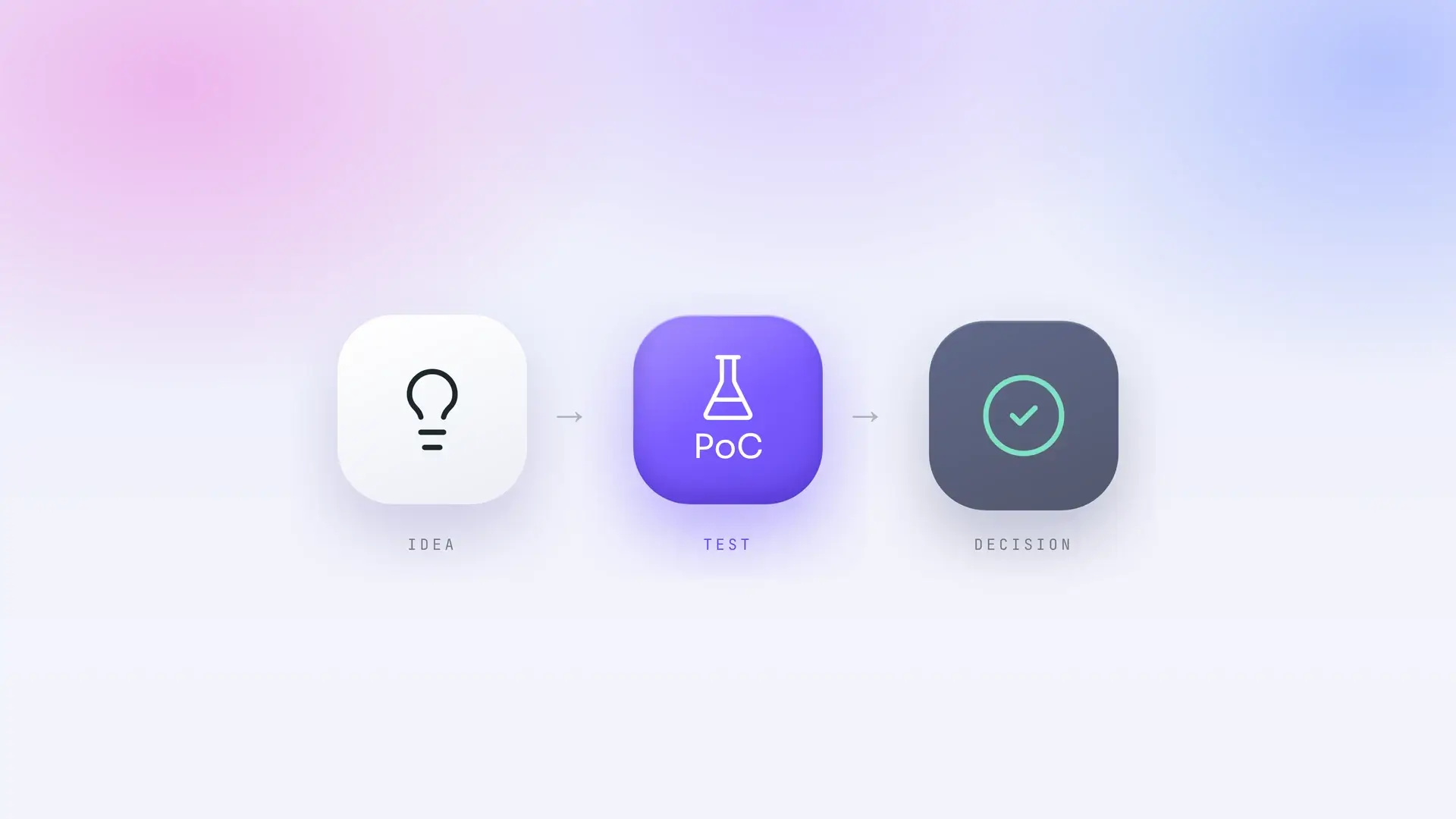
Before a full build, test the approach with an AI proof of concept. It is a simplified version of the working system, built for one workflow, with one metric, a baseline, and an agreed threshold that decides whether to build, adjust or stop.
Every proof of concept is scoped and agreed with the client individually. Some run on the client’s servers, others in our environment. Some use real data, others work with samples the client provides. Usually the client receives the system, and their own people test it and try it out.
In one proof of concept, for example, the system ran in our environment, using sample manuals the client provided. Technicians delegated by the client tested it and tried it out.
The point of testing first is cost control. Finding out that the data can’t support the approach costs a few weeks at this stage. Finding it out after a full rollout costs far more.
Step 5: Run a pilot inside daily operations
A pilot puts the working system in front of real users, on a limited scope. This is where implementing AI in operations gets tested: does it hold up in the daily routine, with real volumes and real exceptions?
Two things matter most from the implementation side:
- A way to report errors that gets a visible response. Users who see their reports fixed keep using the system. Users who don’t go back to the manual way.
- A plan for switching off the old process. As long as the manual process runs in parallel with no end date, the team carries double work and the AI never becomes the default.
At Meesenburg, the manual process ran in parallel during the pilot.
The roadmap covers the ownership side of this step in more detail under integrating the pilot into daily operations.
Step 6: Move AI from pilot to production, and plan what happens after
The difference between a pilot and a production system is mostly invisible to users. It is the work that keeps the system running when nobody is watching it closely:
- Monitoring. Tracking the metric you chose against the baseline, and the share of cases going to a person for review.
- Failure handling. What happens if the model provider is slow or unavailable, or a connected system changes its format. The workflow should fall back to people, rather than stop.
- Change control. Models, instructions and validation rules change over time. Each change should be tested before it reaches live work.
- Ownership and support. A named owner on the business side, and clear responsibility for technical support.
This is what the “build” path looked like for Meesenburg. The automated order process started as a pilot and moved into production. In the Meesenburg implementation, 98% of processed orders required no manual modification. The Meesenburg case study covers the details.
Who should do the implementation?
Implementation needs three kinds of knowledge at once: how the business process works, how your systems connect, and how AI models behave on real inputs. Few internal teams have all three, and the choice usually comes down to how much of each you have in-house.
Our guide to in-house vs partner AI implementation lays out the trade-offs. When the use case needs software built around it, see how we approach custom AI and software development.
Whoever does it, one point is worth holding on to: experienced people should stay responsible for the architecture, the security and the decisions. AI can speed up the build. It doesn’t take over accountability for it.